How AI Resume Scanners Work in 2026: Deconstructing the "Robot Recruiter"
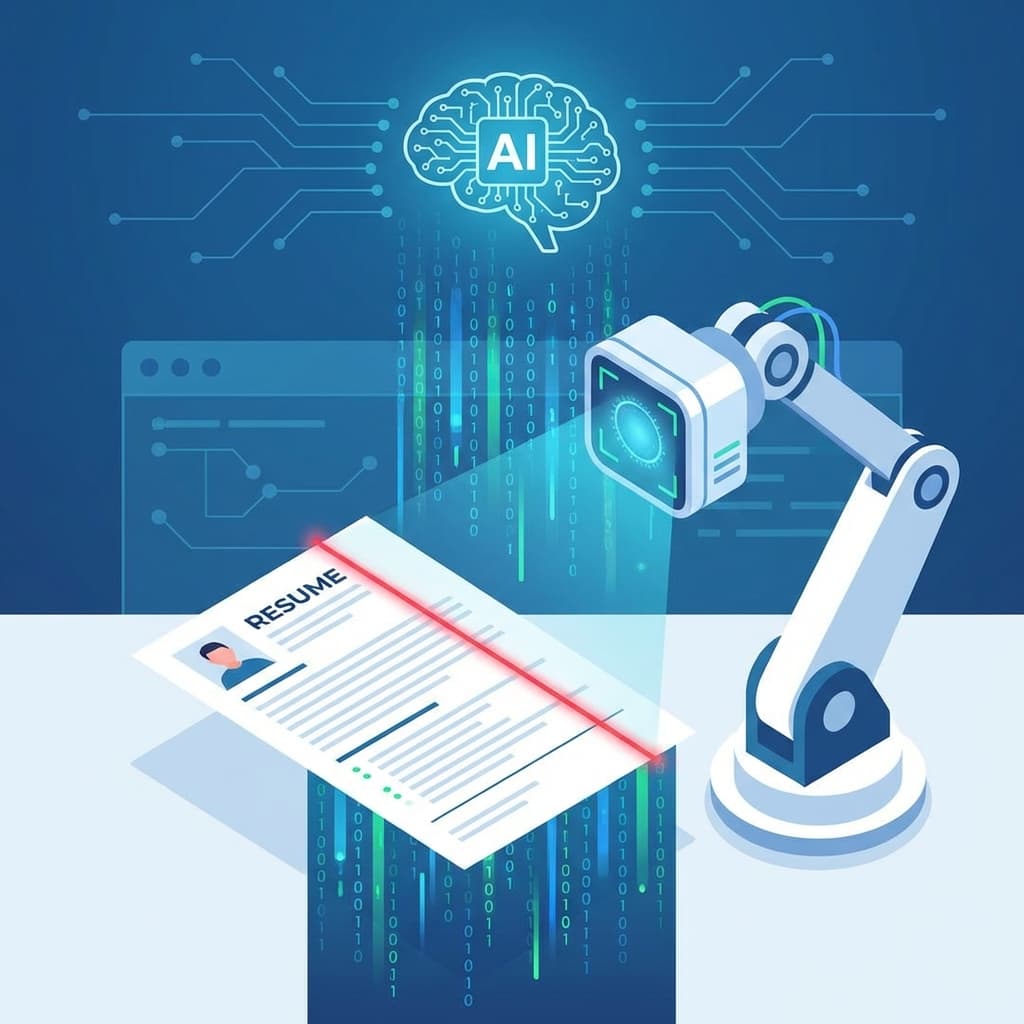
You hit "Submit Application." Then... silence. Weeks go by without a word. Was it your experience? Your cover letter? Or did you just fall into the "Black Hole" of the Applicant Tracking System (ATS)? In 2026, the gatekeeper standing between you and your dream job is rarely a human—it is a sophisticated Artificial Intelligence trained to filter, rank, and reject.
Technology has moved far beyong simple "keyword matching." Today's AI uses Natural Language Processing (NLP), semantic analysis, and predictive modeling to "read" your career like a biography. If you don't understand how the machine thinks, you cannot persuade it.
The Scale of the Problem
99% of Fortune 500 companies use an ATS.
On average, a corporate job opening attracts 250+ resumes. Only 4 to 6 of those applicants will ever be contacted for an interview. The AI's primary job is not to hire the best person; its primary corporate function is to reduce the pile.
Table of Contents
- 1. ATS vs. AI: What's the Difference?
- 2. How "Parsing" Actually Works
- 3. The 3 Layers of AI Analysis
- 4. The "Resume Score" Explained
- 5. Format Breakers (Instant Rejections)
- 6. The Human-in-the-Loop
- 7. Future Trends: Behavioral AI
Chapter 1: ATS vs. AI
Most people use "ATS" and "AI" interchangeably, but they are different components of the hiring stack.
1. The ATS (The Database)
Examples: Workday, Greenhouse, Taleo, iCIMS.
Think of the ATS as a digital filing cabinet. Its job is to store your PDF, track your status (Applied, Interviewing, Rejected), and handle compliance. It is the plumbing of recruitment.
2. The AI (The Brain)
Examples: Eightfold.ai, HiredScore, Paradox.
This is the intelligence layer that sits on top of the ATS. It reads the files in the cabinet. It decides which resumes are "Top Matches" and surfaces them to the recruiter's dashboard.
Chapter 2: The Parsing Process
When you upload your resume, the very first thing that happens is Parsing. The software attempts to strip away your design and extract raw data.
The "Flattening" Effect
The parser reads your document line by line, usually left-to-right, top-to-bottom. It tries to sort text into buckets:
- Contact Info Bucket: Name, Email, Phone.
- Experience Bucket: Companies, Dates, Titles.
- Skills Bucket: Recognized keywords.
Where Parsing Fails
This is why creative resumes die. If you put your contact info in a sidebar, or use a complex 2-column layout where text wraps weirdly, the parser might read:
John Doe Experience Skills 2020-2024 Python Marketing Manager Managing team SQL
It becomes a "word salad." The AI can't figure out if you know Python or if you managed a Python developer. Your proflie becomes "Incomplete," and you are auto-rejected.
Chapter 3: The 3 Layers of Semantic Analysis
Once parsed, the AI analyzes the meaning. In 2026, we utilize Semantic Search, which understands intent and context.
Layer 1: Taxonomies (Synonyms)
Old systems needed exact matches. If the job asked for "SaaS Sales" and you wrote "Software Sales," you failed. Modern AI knows that "SaaS" = "Software as a Service" = "Cloud Software." It maps thousands of related terms.
Layer 2: Experience Scoring
The AI calculates "Years of Experience" by doing math on your dates.
- The Danger Zone: Functional resumes that hide dates. If the AI can't find a start/end date for a skill, it assumes 0 years of experience.
Layer 3: Competency Models
The AI looks for "Success Signals." It analyzes the careers of people who were hired for this role previously and succeeded. If 80% of successful "Senior Engineers" at the company mention "Docker" and "Mentoring," the AI looks for those specific traits in you—even if they weren't in the job description.
Chapter 4: Instant Rejection Triggers
Before your resume is even scored, it goes through a "Knockout" phase. These are binary Pass/Fail checks.
1. File Format Errors
Images (JPG/PNG) are unreadable. Complex PDFs with layers can fail. Always use .DOCX or a clean, text-based PDF.
2. Headers & Footers
Many older parsers ignore information in the Header/Footer zones of a Word doc to avoid reading page numbers. If your phone number is only in the header, the parser might think you have no contact info.
3. Tables & Text Boxes
Never use invisible tables to create columns. Parsers read tables row-by-row, not column-by-column, leading to jumbled sentences.
Chapter 5: The Human-in-the-Loop
It is important to remember: The AI does not hire you. It only shortlists you.
Once you rank in the "Top 10%" or score a "9/10 Match," a human recruiter clicks "View Profile." At that exact moment, the rules change completely.
The Dual-Write Strategy
You must write for two audiences simultaneously:
- For the Bot: Use standard headings, clear dates, standard fonts, and heavy keyword usage.
- For the Human: Use compelling storytelling, quantified results ("Increased sales by 40%"), and clean whitespace.
Banana Resume's templates are engineered for this exact balance. The code is clean for the bot, but the design is beautiful for the human.
Conclusion
Recruitment AI is not "evil"—it's efficient. It is trying to solve a data problem (too many applicants). By understanding the rules of data parsing, you stop fighting the machine and start feeding it what it wants.
Clean formatting. Clear headings. Contextual keywords. Standard file types. Master these fundamentals, and you will find that the "Black Hole" of job applications isn't so dark after all.