Visual Resume Trends 2026: Infographics, Video & Creative Formats
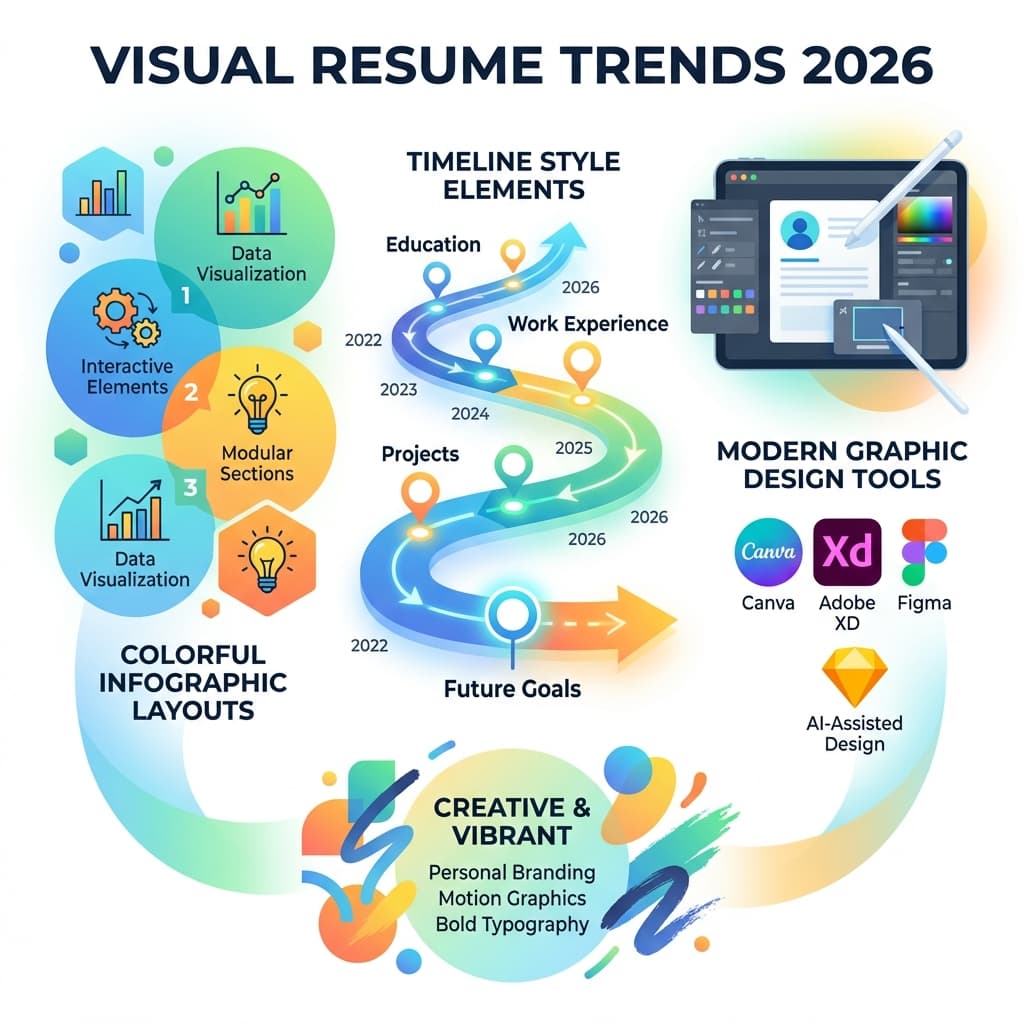
The job market is increasingly visual. With the rise of TikTok, Instagram Reels, and LinkedIn Video, professional communication has shifted from pure text to rich media. Naturally, this trend has infiltrated recruitment. Visual and video resumes are growing in popularity, but using them incorrectly can be a career-ending mistake. This comprehensive guide explores when to be creative, when to stay traditional, and how to balance both for maximum impact in 2026.
Visual Resume Statistics 2026
- • 62% of hiring managers say they would watch a video resume if provided
- • Only 8% of candidates actually submit video resumes (huge opportunity!)
- • Infographic resumes reduce ATS parsing accuracy by 40%+
- • 73% of creative industry employers prefer portfolios with visual elements
The Rise of the Video Resume
A video resume is a brief (60-90 second) video where you introduce yourself, highlight key skills, and explain why you're the perfect fit for the role. In 2026, video resumes represent a massive opportunity for differentiation—most candidates still don't use them.
Why Use a Video Resume?
Show Personality
Text cannot convey enthusiasm, humor, or charisma. A video instantly builds rapport and makes you memorable.
Prove Communication Skills
For sales, PR, teaching, or customer-facing roles, speaking clearly is a core requirement. Video is proof of competence.
Explain Context
Video allows you to explain career gaps, pivots, or complex achievements in plain, authentic language.
Video Resume Best Practices
Keep it under 90 seconds
Attention spans are short. Aim for 60-90 seconds maximum.
Use good lighting and clear audio
Face a window for natural light. Use a microphone or quiet room for clear audio.
Dress professionally
Dress as you would for an in-person interview for that specific role.
Host it properly
Use Loom, YouTube (Unlisted), or Vimeo. Never attach a huge MP4 file to an email.
Script your key points
Don't read from a script, but have 3-4 key points prepared to stay focused.
Include a call to action
End with "I'd love to discuss how I can contribute to [Company]. Let's connect!"
Video Resume Structure (60-90 seconds)
- Introduction (10 seconds): "Hi, I'm [Name], and I'm excited to apply for the [Position] role at [Company]."
- Background (20 seconds): Brief overview of your current role and relevant experience
- Key Achievement (20 seconds): Highlight 1-2 impressive, quantified achievements
- Why This Company (15 seconds): Show you've researched them and explain your genuine interest
- Closing (10 seconds): Express enthusiasm and request next steps
Infographic Resumes: Beautiful but Risky
An infographic resume uses charts, icons, graphs, and creative layout design to organize information. While visually stunning, they pose significant risks in the modern hiring process.
The ATS Warning: Why Infographics Often Fail
Applicant Tracking Systems (ATS) are text-based parsers. They read from left to right, top to bottom. They cannot "see" images, charts, or creative layouts.
Common ATS Failures with Infographic Resumes:
- Skill bars: If you show proficiency as a filled bar (e.g., 80% filled), the ATS reads nothing
- Header images: If your contact info is in a header image, the ATS cannot extract it
- Multi-column layouts: ATS reads left-to-right, so scattered text boxes get read out of order
- Icons and graphics: Decorative elements confuse parsers and reduce accuracy
- Custom fonts: Unusual fonts may not render correctly in ATS systems
Statistic: Heavy infographic elements reduce ATS parsing accuracy by over 40%.
When Infographic Resumes Work
Infographic resumes CAN work in these scenarios:
- Creative industries: Graphic design, marketing, advertising where visual skills are being evaluated
- Portfolio supplements: As an addition to (not replacement for) a standard resume
- Direct applications: When emailing a hiring manager directly (bypassing ATS)
- Networking events: As a memorable leave-behind or portfolio piece
Industry Breakdown: Who Should Use Visual/Video Resumes?
Not every industry welcomes creativity. Know your audience before you design.
| Industry | Infographic Resume | Video Resume | Notes |
|---|---|---|---|
| Creative (Design, Marketing, Advertising) | ✓ Recommended | ✓ High Impact | Portfolio is mandatory. Visuals prove capability. Use as supplement. |
| Tech (Development, Data Science) | ⚠ Neutral | ⚠ Optional | GitHub/code samples matter more. Keep resume clean and ATS-friendly. |
| Finance, Banking, Law | ✗ Avoid | ✗ Avoid | Conservatism reigns. Stick to traditional black & white text format. |
| Sales, Customer Success, PR | ⚠ Optional | ✓ High Impact | Video proves you can sell yourself. Communication skills are key. |
| Education, Training | ⚠ Neutral | ✓ Recommended | Video demonstrates teaching ability and communication skills. |
| Healthcare, Science | ✗ Avoid | ⚠ Neutral | Focus on credentials and experience. Keep it professional and clean. |
The Hybrid Strategy: Best of Both Worlds
You don't have to choose between "safe" and "memorable." The smartest candidates use a Hybrid Strategy that maximizes both ATS compatibility and personal branding.
The 3-Step Hybrid Approach:
- Submit a Standard, ATS-Friendly Resume:
Use a clean, text-based PDF (like Banana Resume's templates) to ensure you pass the ATS scan with 100% accuracy. This gets you screened.
- Create a Visual Landing Page or Portfolio:
Build a personal website using Notion, Carrd, Wix, or your LinkedIn Featured section. Include your video resume, infographic resume, portfolio samples, and testimonials.
- Link It in Your Resume Header:
Include a hyperlinked "Portfolio" or "Video Introduction" line in your resume contact header. Example: "Portfolio: yourname.com | Video Intro: loom.com/yourname"
This creates a funnel: The text resume gets you screened by ATS, and the link gets you remembered by humans.
Tools of the Trade (2026 Edition)
For Video Resumes:
Loom
Best for casual, authentic introductions. Free tier available. Easy sharing.
Vimeo Create
Best for polished, edited clips with professional feel.
YouTube (Unlisted)
Free hosting, reliable, but less professional than Vimeo.
TikTok/Instagram Reels
Only for creative agencies targeting Gen Z. Very niche.
For Visual/Infographic Resumes:
Canva
Great for design, but often produces ATS-unfriendly PDFs. Use for portfolio pieces only.
Figma
Professional tool for ultimate design control. Steep learning curve.
Adobe InDesign
Industry standard for print design. Expensive but powerful.
Banana Resume
Perfectly balanced visual templates that are code-backed and ATS-safe. Best of both worlds.
Common Visual Resume Mistakes to Avoid
❌ Replacing Your Standard Resume Entirely
Always have an ATS-friendly version. Visual resumes should supplement, not replace.
❌ Prioritizing Design Over Content
A beautifully designed resume with weak content is still a weak resume. Content first, design second.
❌ Making Videos Too Long
Anything over 2 minutes won't get watched. Keep it under 90 seconds.
❌ Poor Video Quality
Bad lighting, poor audio, or unprofessional backgrounds hurt more than they help.
❌ Using Visual Resumes for Conservative Industries
Finance, law, and healthcare prefer traditional formats. Don't risk it.
Create ATS-Friendly Visual Resumes with Banana Resume
Banana Resume offers beautifully designed templates that are both visually appealing AND ATS-compatible. Get the best of both worlds—professional design that actually gets through screening systems.
Build Your Professional ResumeConclusion
Visual and video resumes represent exciting opportunities to stand out in a crowded job market—but only when used strategically. The key is understanding your industry, your audience, and the technical limitations of ATS systems.
For most candidates, the hybrid approach is ideal: submit an ATS-friendly traditional resume to get through screening, then wow them with a video introduction or visual portfolio linked in your header. This ensures you don't get filtered out by robots while still showcasing your personality and creativity to humans.
Remember: your goal is to get hired, not to win a design award. Function must always precede form in job hunting. Use visual trends as supplements to a strong foundation, not as replacements for substance. When in doubt, stick to a clean, professional format that lets your achievements do the talking—and save the creativity for your portfolio and interview.